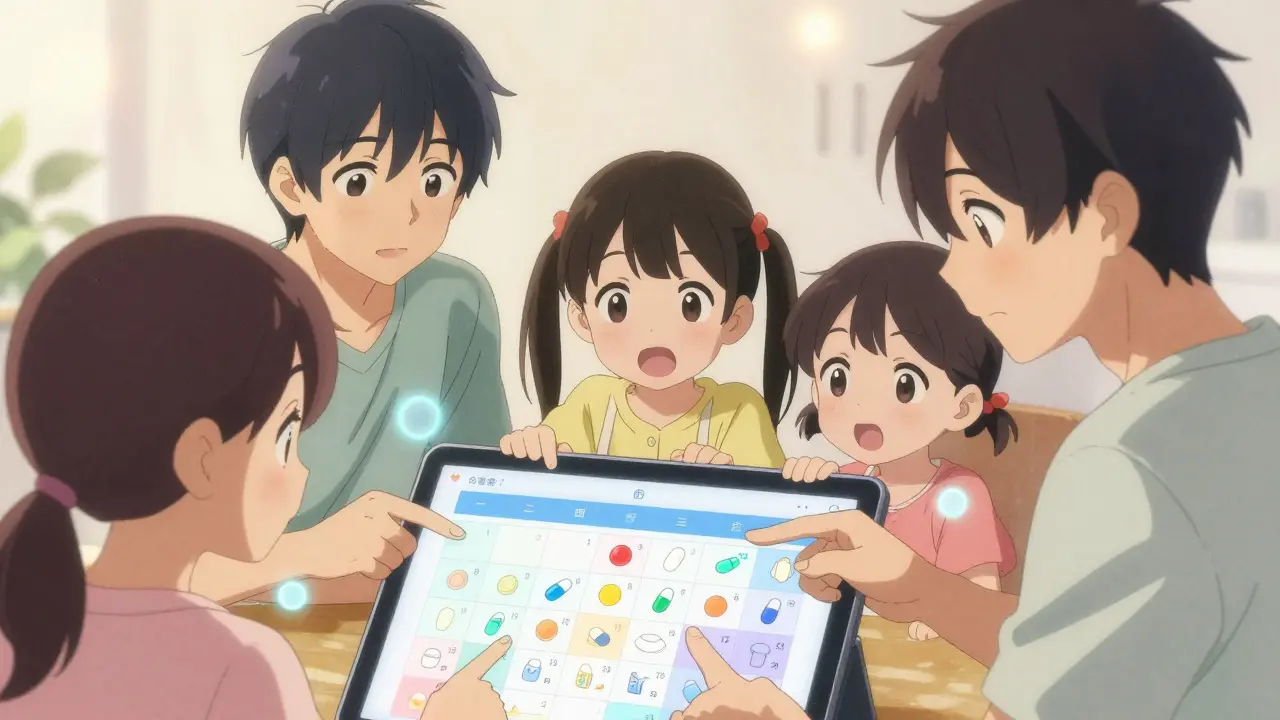
Medication Interaction Checker
Check Medication Interactions
Check for potential interactions between up to three medications. This tool is for informational purposes only and should not replace professional medical advice.
Missing a pill. Giving the wrong dose. Not knowing what someone else already gave. These aren’t just inconveniences-they’re dangerous. In fact, medication errors are one of the leading causes of preventable harm in older adults, and they often happen because no one has a clear, shared view of what’s being taken, when, and by whom. A shared medication calendar changes that. It’s not a fancy app or a complicated system. It’s a simple, reliable way for families and caregivers to stay on the same page-literally.
Why a Shared Calendar Matters
Think about your parent, partner, or relative who takes five different medications each day. One at breakfast, two after lunch, another at bedtime, and maybe a special one only on Tuesdays. Now imagine three people trying to keep track of it: one who lives nearby, one who’s across the country, and a home health aide who works three days a week. Without a shared system, someone will miss a dose. Someone will double up. Someone will give a pill with food that makes it ineffective-or worse, dangerous. The numbers don’t lie. The National Institutes of Health estimates that medication non-adherence causes over 125,000 deaths in the U.S. every year. That’s more than traffic accidents. And it’s not because people are careless. It’s because the system is broken. A shared medication calendar fixes that by turning scattered efforts into a coordinated effort.What a Shared Medication Calendar Actually Does
It’s not just a reminder app. A real shared medication calendar does four things:- Shows every medication, dose, and timing in one place
- Notifies everyone involved when a dose is due
- Prevents dangerous drug interactions
- Tracks who gave the medication and when
Choosing the Right Tool
You don’t need to buy anything. You don’t need to be tech-savvy. But you do need to pick the right tool. Here are the three most practical options:Google Calendar (Free)
If you already use Google, this is the easiest place to start. Create a new calendar called “Mom’s Meds” or “Dad’s Meds.” Share it with everyone who needs access-siblings, caregivers, even the pharmacist if they’re open to it. Set reminders 15-30 minutes before each dose. Add notes like “Take with food” or “Avoid grapefruit.” It’s free. It works on phones, tablets, and computers. But here’s the catch: it won’t warn you if someone adds a new drug that clashes with another. You have to check that manually. That’s risky.Apple Calendar (Free, for iPhone Users)
If your family mostly uses iPhones, Apple’s built-in Calendar app is seamless. You can share calendars with anyone in your Contacts. It syncs instantly across devices. Siri can even read out the next dose: “Hey Siri, what’s on Dad’s medication schedule today?” But if someone uses Android or Windows? They’re left out. Apple’s ecosystem is great-but it’s not universal.Medisafe (Free with Premium Options)
This is where things get smarter. Medisafe was built for medication management. It has a database of over 650,000 drug combinations and flags dangerous interactions before they happen. It sends alerts to multiple people at once. It tracks adherence with 98.7% accuracy, according to their internal data. The free version lets you add up to five medications and share with two people. The premium version ($7.99/month) unlocks unlimited medications, full history access, and pharmacy integration. If someone is on six or more drugs, or if you’re managing care for someone with complex needs, this is worth it.
How to Set It Up Right
Don’t just jump in. A poorly set up calendar creates more confusion than none at all. Follow this simple process:- Get everyone together-even if it’s a Zoom call. Have a 30-minute family meeting. List every medication, dose, time, and special instruction.
- Assign a “calendar captain.” This is the person who updates the calendar when changes happen. It’s not fair to dump this on one person forever. Rotate it monthly if needed.
- Create a separate calendar just for medications. Don’t mix it with birthdays or appointments. That way, no one accidentally deletes it.
- Set reminders 15-20 minutes before each dose. Why? Because it takes time to open the pill bottle, pour water, help someone sit up. A 5-minute alert isn’t enough.
- Print a backup. Yes, really. Put it on the fridge. Give one to the home health aide. Older adults often forget how to use apps. A paper copy is insurance.
What to Avoid
Not all digital tools are created equal. Here’s what goes wrong-and how to stop it:- Using one calendar for everything. If you mix medications with soccer practice and dentist visits, someone will miss a dose. Keep it separate.
- Not checking drug interactions. A common mistake: adding a new antibiotic without realizing it clashes with blood pressure meds. Use an app with a built-in checker, or ask a pharmacist.
- Ignoring privacy. Some older adults don’t want their entire family knowing every health detail. Set permissions. Use “view only” for distant relatives. Only give edit access to those who actually give meds.
- Forgetting to update it. If Mom’s doctor changes her dose and no one tells the calendar captain, the calendar becomes a lie. Make updating it part of your weekly check-in.
Real-Life Impact
One family in Ohio used Google Calendar to track their mother’s six daily medications. Before the calendar, she ended up in the ER twice in three months because someone gave her a pill she was already supposed to have. After setting up the shared calendar with 15-minute reminders and a printed backup, she had zero ER visits for the next 11 months. Another couple in Texas used Medisafe when their father started taking six new drugs after heart surgery. The app flagged a dangerous interaction between his blood thinner and a new painkiller. They called the doctor before he took it. He didn’t even know it was a problem. These aren’t rare stories. They’re common-and preventable.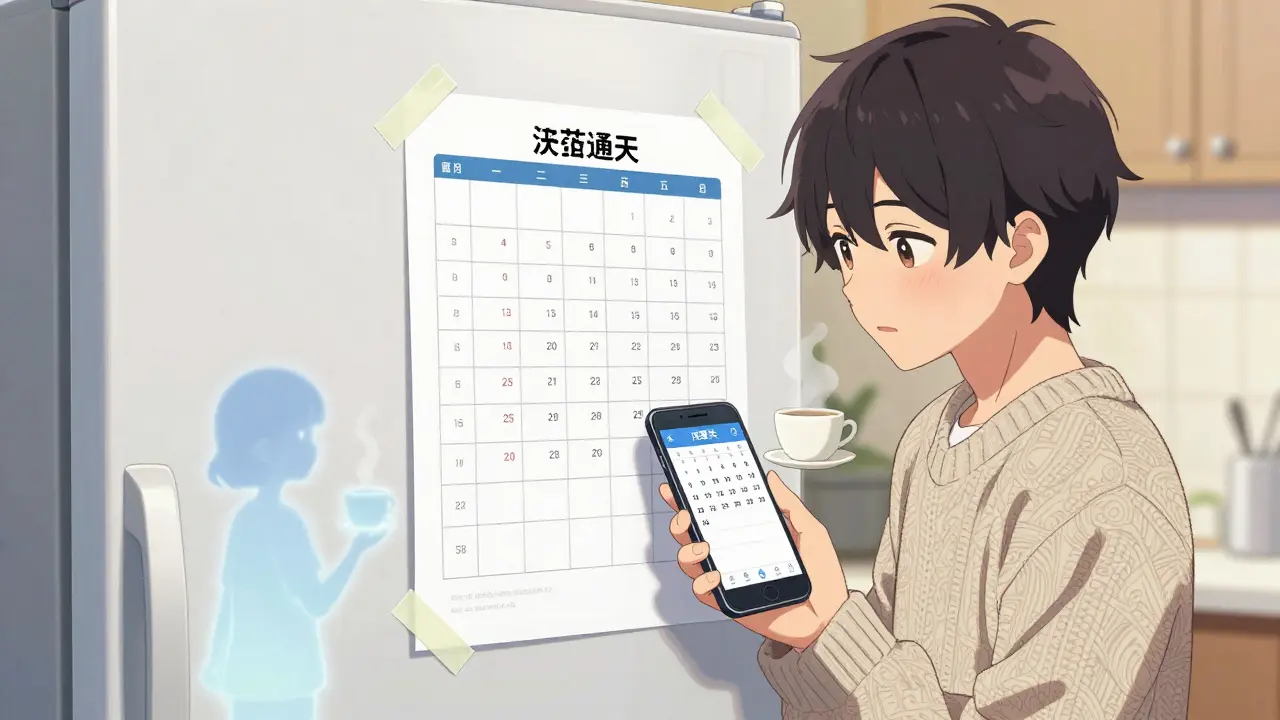
What’s Next
The tools are getting better. Google added a “Healthcare Mode” in 2023 that makes it easier to set up medication templates. Apple’s iOS 17 can now pull prescription data directly from pharmacies into the Calendar app. Medisafe uses AI to predict when someone is likely to miss a dose-and alerts the whole family before it happens. But the most important upgrade isn’t technological. It’s cultural. Families need to stop thinking of medication management as one person’s job. It’s a team sport. And a shared calendar? It’s the playbook.Frequently Asked Questions
Can I use a shared medication calendar if my family doesn’t use smartphones?
Yes. You can use a web-based calendar like Google Calendar on a tablet or computer. Print out the schedule and post it where everyone can see it. The calendar is the central hub, but paper backups are still essential-especially for older adults who aren’t comfortable with apps.
What if someone ignores the notifications?
Notifications can be silenced, ignored, or missed. That’s why you need more than one layer: a calendar alert, a printed schedule, and a weekly check-in call. Some families use a simple text code like “Meds Done” to confirm each dose. If someone doesn’t respond, someone else follows up. It’s not about tech-it’s about accountability.
Is a shared calendar HIPAA-compliant?
General calendars like Google or Apple aren’t HIPAA-compliant-they don’t encrypt health data. But if you’re only sharing names, times, and doses (not medical records or diagnoses), you’re not violating HIPAA. For full compliance, use a dedicated app like Medisafe or CareZone, which store data with encryption and user consent.
How do I get my parent to agree to this?
Start with safety, not control. Say: “I want to make sure you never miss a pill or take something that could hurt you.” Show them how it helps them stay independent. Let them pick the tool. Let them choose who gets access. When they feel in charge, they’re more likely to use it.
Can I add pharmacy refills to the calendar?
Yes, but only with the right app. Medisafe and CareZone can sync with pharmacies to show when prescriptions are due for refill. Google Calendar can’t do this. If refills are a problem, switch to one of those apps. Missing a refill is just as dangerous as missing a dose.


